Newline Interactive
IP Series Interactive Display for Enterprise Security
IP Series Interactive Display for Enterprise Security
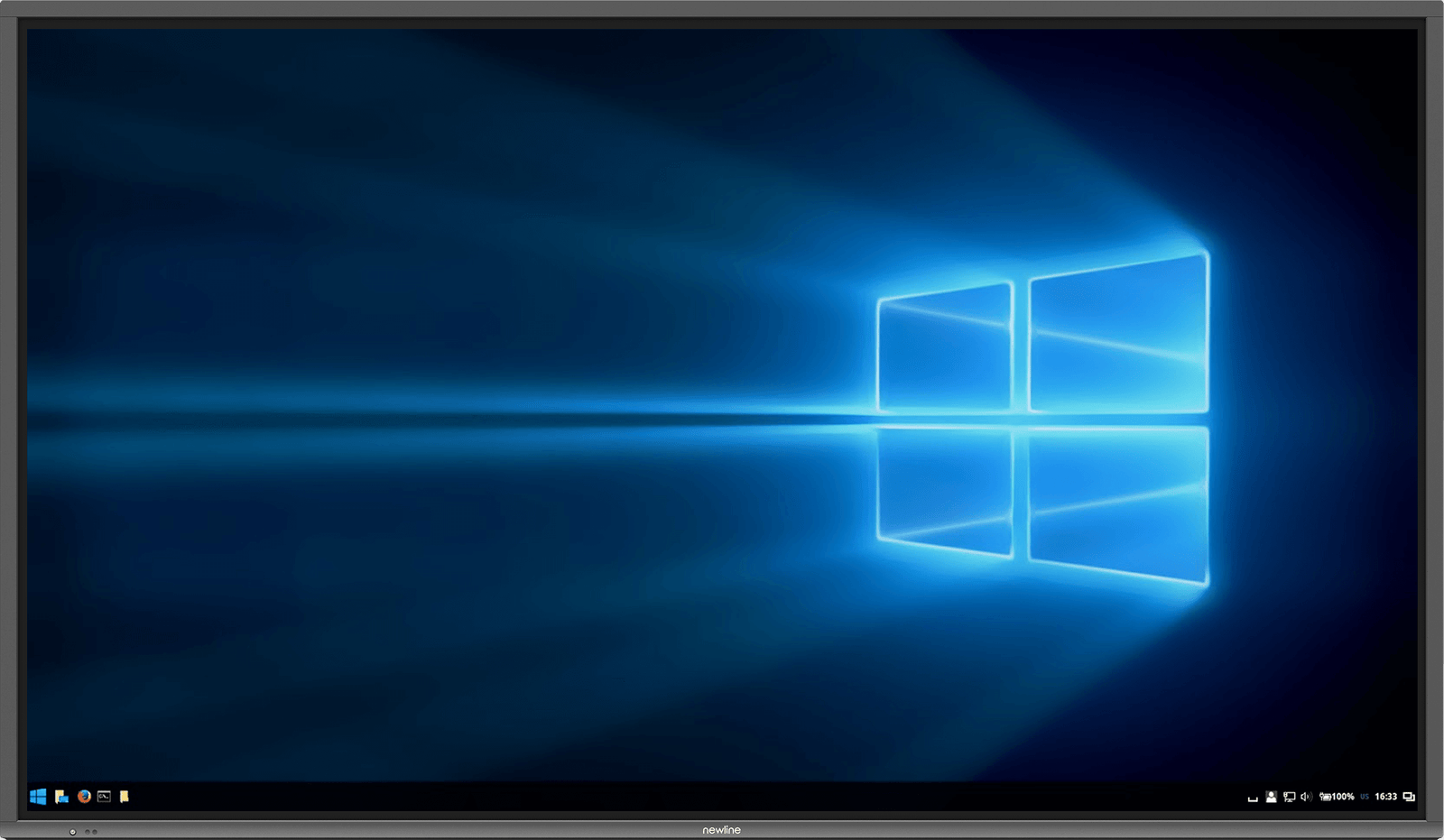
The new IP Series is an interactive touch display that replaces the traditional Android operating system with Linux and is designed for enterprise security.
- Built for classrooms, training rooms, and meeting spaces where touch collaboration needs to stay intuitive.
- Fits deployments that combine the main display with cleaner device sharing and day-to-day room usability.
- Best selected together with the right mount, mobile stand, or OPS configuration.
- Part of the IP Series Interactive Display for Enterprise Security line, which helps keep multi-room projects visually and operationally consistent.
Overview
Product overview
The new IP Series is an interactive touch display that replaces the traditional Android operating system with Linux and is designed for enterprise security.
IP Series Interactive Display for Enterprise Security | Newline Interactive Never worry about your network security again. This all-in-one Ultra-HD interactive touch display brings you better, secure meetings and presentations. The IP Series brings you more effective collaboration with stronger network security. Get right to work without an embedded operating system, designed to keep your data secure, while providing your team the access they need.
Never worry about your network security again. This all-in-one Ultra-HD interactive touch display brings you better, secure meetings and presentations.
Installation notes: Not found on official source
Support and training: Online Knowledge Base and FAQs Contact Tech Support Meet the Newline Training Team
Project fit
Where this product belongs.
IP Series Interactive Display for Enterprise Security line for professional collaboration and display projects.
- Confirm wall, cart, or stand deployment before locking the final model.
- Match the display with the right sharing, whiteboarding, and device-management layer.
- Use room size and participant count to decide screen size and accessory package.
- This product currently sits inside interactive display workflows, so the surrounding package should support that role clearly.
Reference data
What to confirm before quoting.
Selection notes
Shortlist the full package, not just the screen.
- Confirm wall, cart, or stand deployment before locking the final model.
- Match the display with the right sharing, whiteboarding, and device-management layer.
- Use room size and participant count to decide screen size and accessory package.
- This product currently sits inside interactive display workflows, so the surrounding package should support that role clearly.
Project matching
Related products for the same rollout.
 Device management
Newline Display Management
Fleet management for displays across multiple rooms.
View Product
Device management
Newline Display Management
Fleet management for displays across multiple rooms.
View Product
 Wireless casting
Newline Cast
Cable-free casting for faster room collaboration.
View Product
Wireless casting
Newline Cast
Cable-free casting for faster room collaboration.
View Product
 Cloud whiteboarding
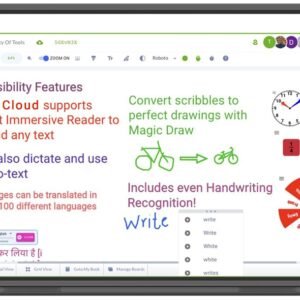
Newline Engage Cloud
Cloud whiteboarding for hybrid teaching and teamwork.
View Product
Cloud whiteboarding
Newline Engage Cloud
Cloud whiteboarding for hybrid teaching and teamwork.
View Product
 Digital signage software
Newline Signage Pro
Content control for signage networks and campaigns.
View Product
Digital signage software
Newline Signage Pro
Content control for signage networks and campaigns.
View Product
Compare nearby
Similar products in the same shortlist.
 Accessory
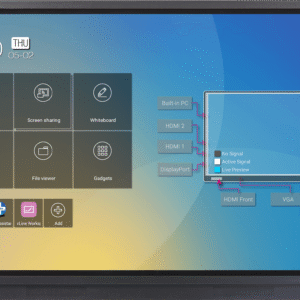
RS+ Series Interactive Touch Display
Essential add-on for installation and daily use.
View Product
Accessory
RS+ Series Interactive Touch Display
Essential add-on for installation and daily use.
View Product
 Accessory
NT+ Series Non-Touch Display
Essential add-on for installation and daily use.
View Product
Accessory
NT+ Series Non-Touch Display
Essential add-on for installation and daily use.
View Product
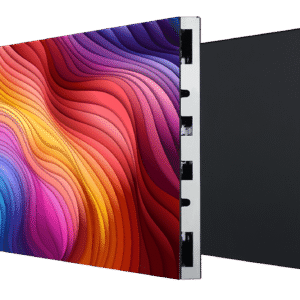 Direct View LED
DV Premier+
Large-format LED for high-impact visual surfaces.
View Product
Direct View LED
DV Premier+
Large-format LED for high-impact visual surfaces.
View Product
Need project support?
We can help place this product inside the right room, rollout, and accessory package.
Use us to confirm deployment role, compatible accessories, and the cleanest shortlist before the project moves forward.